




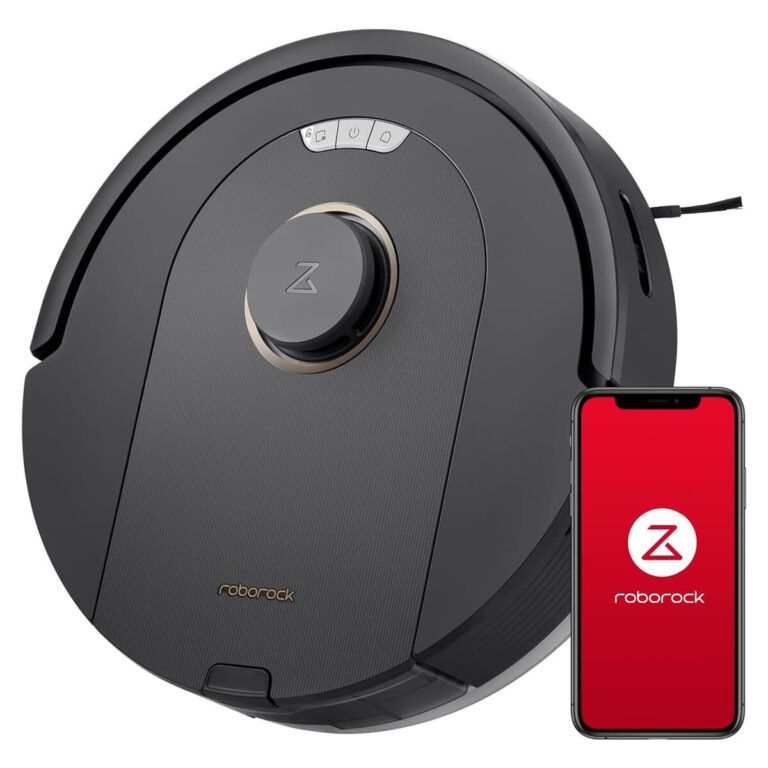

Conditions: All creditworthy employees and retirees. Valid for all cities.
Procedure: We perform online credit checks. After receiving a positive answer, we issue documentation to the buyer, which he certifies in the company where he works or in the Pension and Disability Insurance Fund if he is a pensioner. With certified documentation, you pick up the equipment immediately or we deliver it to your home address.